


Table Carousel Animation Plugin
VTable provides a table carousel animation plugin that supports row or column carousel animations for tables.
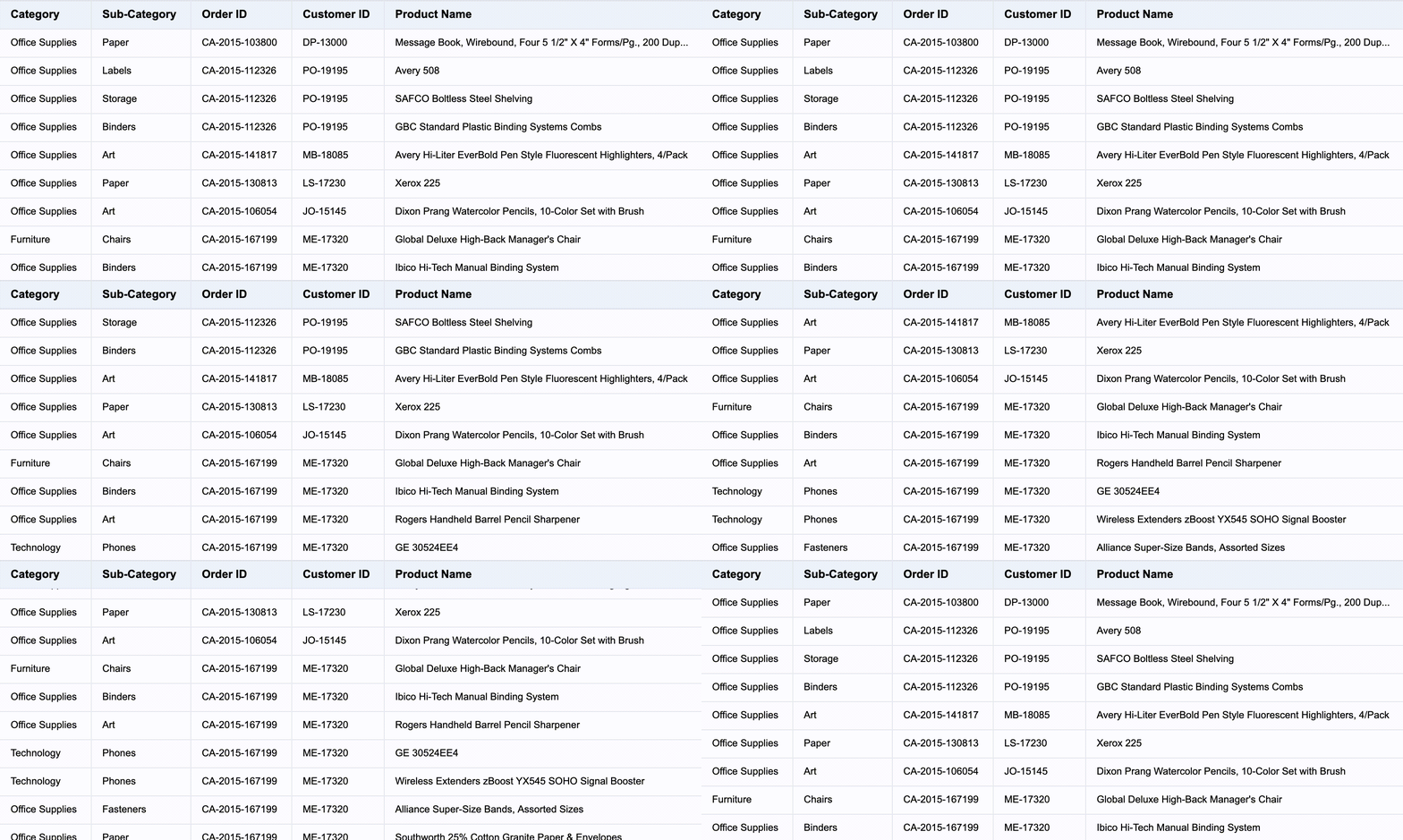
Effect shown below:
Usage Example
const tableCarouselAnimationPlugin = new TableCarouselAnimationPlugin({
  rowCount: 10,
  colCount: 10,
  animationDuration: 1000,
  animationDelay: 0,
  animationEasing: 'linear',
  autoPlay: true,
  autoPlayDelay: 1000,
});

const option: VTable.ListTableConstructorOptions = {
  records,
  columns,
  plugins: [tableCarouselAnimationPlugin],
};
If you don't want the table to start playing immediately after initialization, you can set autoPlay to false and then call the play method manually to start playing.
tableCarouselAnimationPlugin.play();
Plugin Parameter Description
The plugin provides customization options, with the following parameters:
| Parameter | Type | Description |
|---|---|---|
| rowCount | number | Number of rows to scroll per animation |
| colCount | number | Number of columns to scroll per animation |
| animationDuration | number | Animation duration |
| animationDelay | number | Animation delay |
| animationEasing | string | Animation easing function |
| autoPlay | boolean | Whether to auto-play |
| autoPlayDelay | number | Auto-play delay |
| customDistRowFunction | (row: number, table: BaseTableAPI) => { distRow: number; animation?: boolean } | Custom animation distance function for rows |
| customDistColFunction | (col: number, table: BaseTableAPI) => { distCol: number; animation?: boolean } | Custom animation distance function for columns |