It is not only a fully functional graph visualization library, but also an explorer of data relationships.
!!!###!!!title=image video——VisActor/VTable tutorial documents!!!###!!!!!!###!!!description=Tables can display various types of data, such as text, numbers, charts, etc. Among them, the display of multimedia types (such as images and videos) in some scenes is particularly important, they can visually display information and help users quickly obtain key data. For example, e-commerce websites can display product pictures in tables, which is convenient for store owners to quickly view product information; video websites can display video preview diagrams in tables, which is convenient for users to quickly understand video content. By displaying multimedia types in tables, the effect of data display and user experience can be effectively improved.Note: The following descriptions are based on image types, and video types are also applicable.!!!###!!!
Multimedia Type
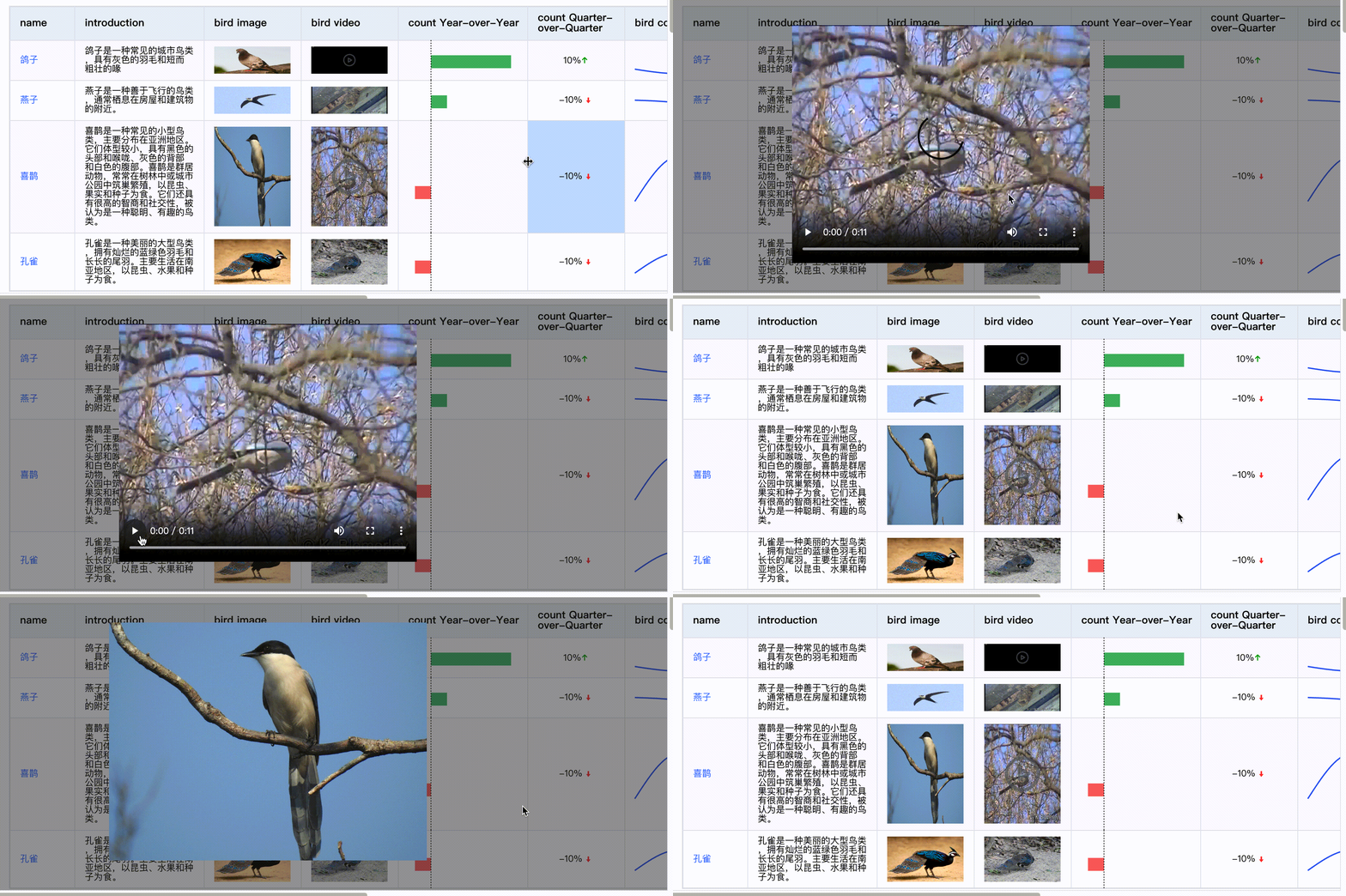
Tables can display various types of data, such as text, numbers, charts, etc. Among them, the display of multimedia types (such as images and videos) in some scenes is particularly important, they can visually display information and help users quickly obtain key data. For example, e-commerce websites can display product pictures in tables, which is convenient for store owners to quickly view product information; video websites can display video preview diagrams in tables, which is convenient for users to quickly understand video content. By displaying multimedia types in tables, the effect of data display and user experience can be effectively improved.
Note: The following descriptions are based on image types, and video types are also applicable.
Introduction to unique configuration items
First, we introduce how to display pictures in VTable. The following are the specific configuration items for the image type:
keepAspectRatio: keepAspectRatio property is used to configure whether to maintain the aspect ratio of the image. The default value is false, that is, the aspect ratio is not maintained; when set to true, it will be displayed according to the original size ratio of the image
imageAutoSizing: The imageAutoSizing property is used to configure whether the cell size is automatically adjusted according to the image size. The default value is false, that is, the cell size is not automatically adjusted; when set to true, the width and height of the cell will be adjusted according to the image size
In some scenes, we want to click on the image to preview the larger image. VTable defaults to clicking on the multimedia (including videos and pictures) cell to pop up the preview window.