!!!###!!!title=Quick Start——VisActor/VGraph tutorial documents!!!###!!!

Quick Start

Installation

Install via npm

You can use the default npm registry or any mirror you prefer.

npm install @visactor/vgraph --save

After successful installation, you can import vgraph to develop rich graph analysis products:

import { Graph } from '@visactor/vgraph';

Quick Try

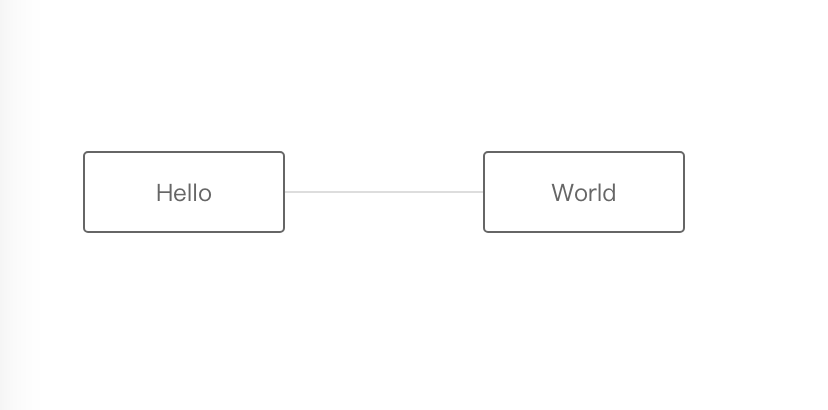
After introducing vGraph to the page, we are ready to create our first graph. The following is an example of building our first graph with a Hello World example.

step1: Create a graph container

<div id="graphContainer"></div>

step2: Prepare data

const data = {
    nodes: [{
        id: 'Hello',
        x: 100,
        y: 100,
    }, {
        id: 'World',
        x: 300,
        y: 100,
    }],
    edges: [{
        source: 'Hello',
        target: 'World',
    }],
};

step3: Create a graph instance

const graph = new Graph({
    // Specify the graph container
    container: 'graphContainer',
    // Specify graph dimensions
    width: 400,
    height: 300,
    // Configure node styles
    setDefaultNode(nodeData) {
        return {
            label: nodeData.id,
            width: 100,
            height: 40,
        }
    }
});

step4: Import data

graph.data(data);

Final result:

step5: Destroy the instance

graph.destroy();