Tree graph layout needs to be used in conjunction with the tree graph instance.
Currently, vGraph supports three tree layout methods. The reference methods are as follows:
import { CompactBox, TreeGraph } from'@visactor/vgraph';
// Recommended reference method, configured in TreeGraphconst graph = new TreeGraph({
layout: {
type: 'compactBox',
options: layoutOptions
}
});
// Second reference method, direct instantiationconst layout = new CompactBox(layoutOptions);
const graph = new TreeGraph({
layout,
...graphOptions,
});
Layout Name
Layout Effect
Features
Suitable Scenarios
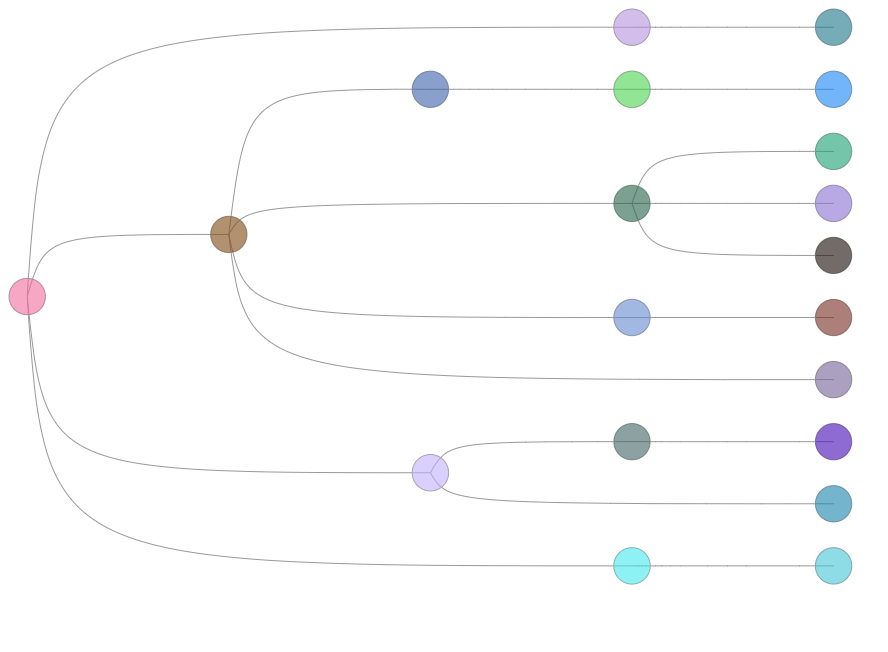
Dendrogram Balanced Tree
Regardless of the tree level, the leaf nodes are always aligned, and the non-leaf nodes are evenly distributed according to the level.
Organizational chart, family tree
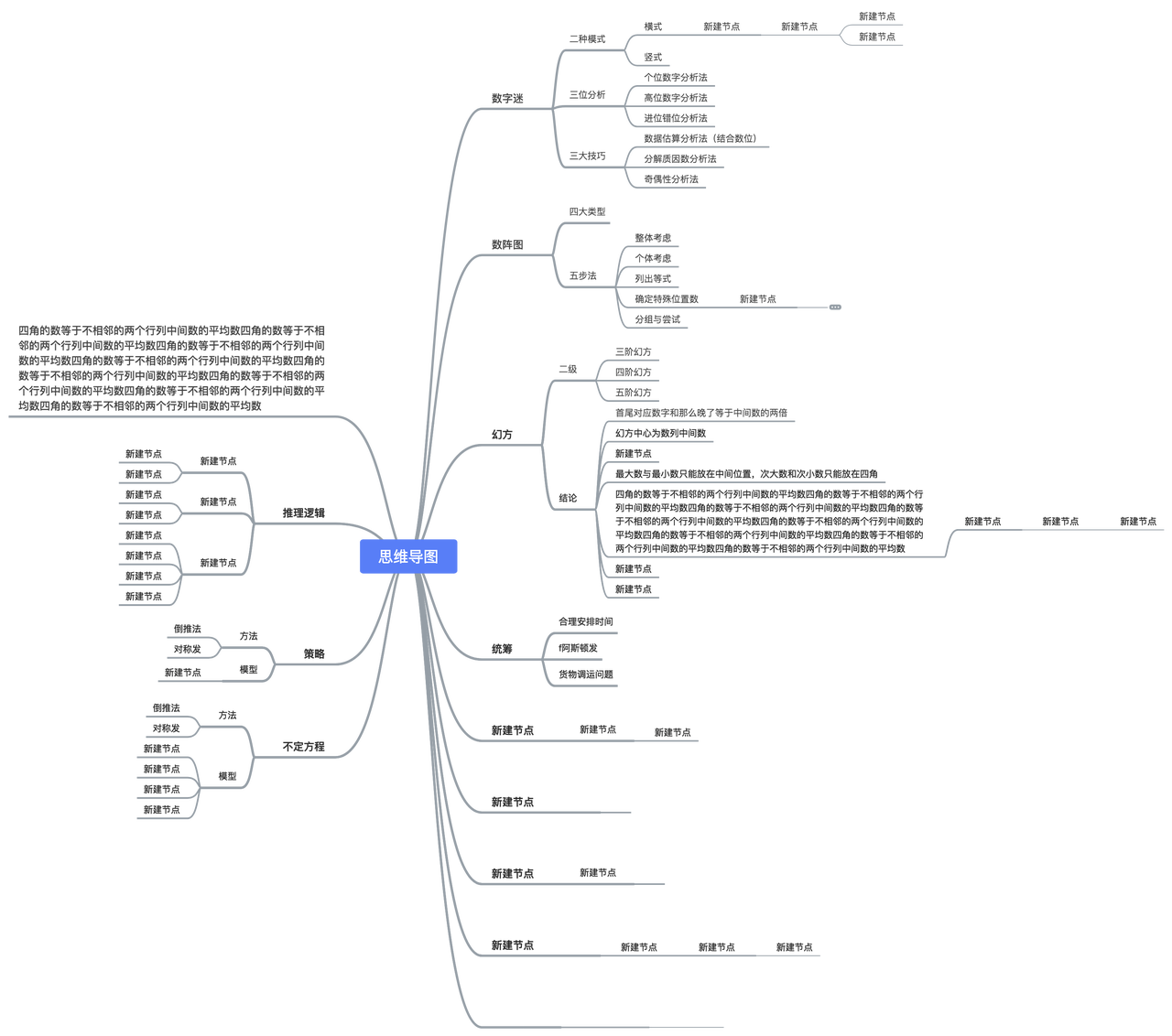
MindMap
Nodes of the same depth will be placed on the same level, and the space occupied by each subtree will not overlap.
Data summarization, brainstorming
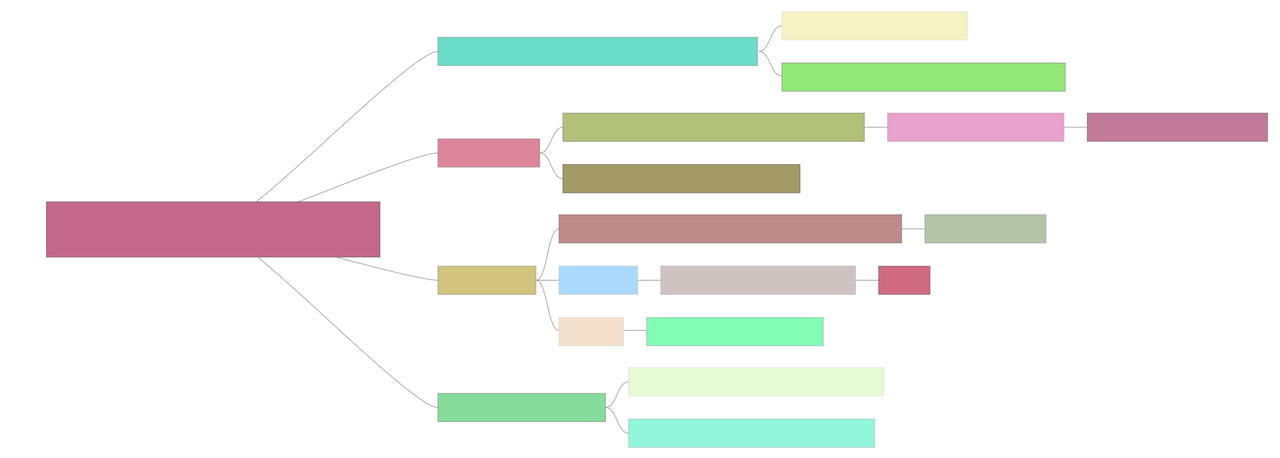
CompactBox
Starting from the root node, nodes of the same depth are on the same level, and the layout will take the node size into account to save space as much as possible.
Tree graphs with a large amount of data or insufficient display space
In addition to the node configuration items (width: node width, height: node height, collapsed: whether to collapse), the following parameters are also supported for custom layout.
Field
Type
Description
direction
LR | RL | TB | BT
Layout direction; LR for left-to-right layout, RL for right-to-left layout, TB for top-to-bottom layout, BT for bottom-to-top layout. The default is TB layout.
nodeSep
(nodeData: TreeData) => number
Specifies the spacing between nodes at the same level.
rankSep
(nodeData: TreeData) => number
Specifies the spacing between nodes at different levels.
nodeSize
(nodeData: TreeData) => number
Specifies the node size. It is recommended to directly configure width and height on the node.
radial
boolean
Whether to use a radial tree distribution. The default is false. It is recommended to enable this when there are a particularly large number of nodes on a single level to obtain a better viewing experience. When using a radial tree distribution, radial will be written on the node to assist in defining the rotation of the node's text label. For details, see Radial Tree Layout Example.