It is not only a fully functional graph visualization library, but also an explorer of data relationships.
!!!###!!!title=VChart Skill Usage——VisActor/VChart tutorial documents!!!###!!!!!!###!!!description=VChart and VTable are core components of VisActor's visualization solution. To improve AI-assisted development efficiency and reduce onboarding cost, VisActor provides a developer skill.!!!###!!!
VChart Skill Usage
VChart and VTable are core components of VisActor's visualization solution. To improve AI-assisted development efficiency and reduce onboarding cost, VisActor provides a developer skill.
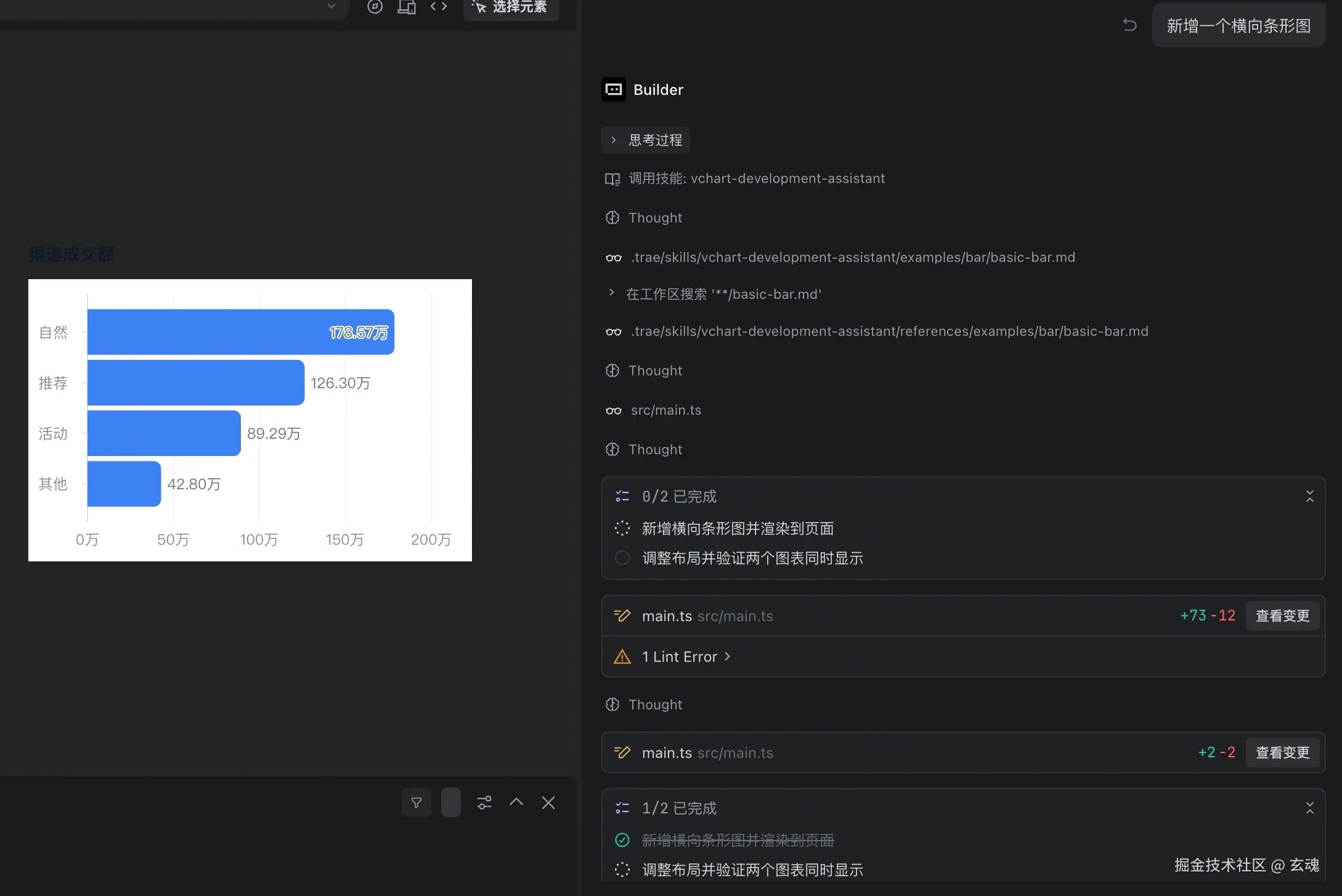
Use VChart to generate a basic bar chart with xField and yField, and deliver a complete HTML file I can open.
Expected result:
A complete HTML file contains the spec and chart initialization.
The chart can render correctly.
2. Adjust chart styles
Suggested prompt:
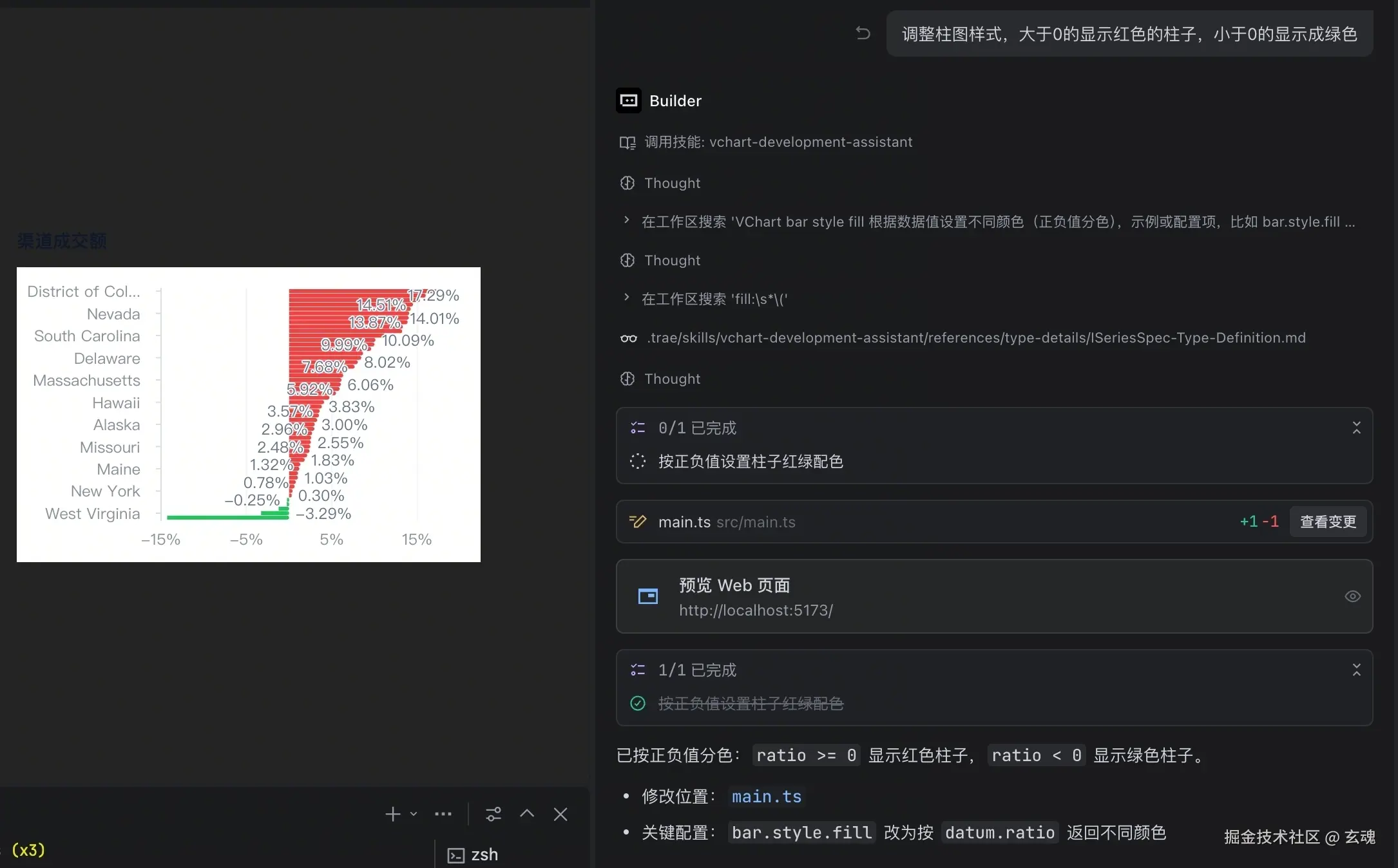
Optimize colors, label style, and legend readability for the existing bar chart while preserving the current data structure.
Expected result:
Style changes are clearly visible.
Existing chart structure and data mapping remain valid.
3. Fix spec/config issues
Suggested prompt:
Review the current VChart spec, identify configuration errors, and provide fixes with explanations.
Expected result:
Incorrect config locations are identified.
A directly replaceable fixed config is provided.
HTML and spec delivery
Goal
Request
Result
View a chart or run a demo
“Generate complete runnable HTML”
A page with application interactions when requested
Let a host render the chart
“Return only the complete spec / JSON”
Configuration without HTML, instance code or a host envelope
Both
“Provide the spec and an HTML preview using it”
The same configuration and its preview
Explicit output requirements take priority, followed by established host/application context. Standalone viewing defaults to HTML. Editing a spec inside existing HTML keeps HTML delivery; editing a standalone spec keeps spec delivery. Components and combined deliverables also retain their established target. “Add labels” returns the complete updated artifact unless a patch is explicitly requested. An explicit request such as “return only JSON” changes the delivery target.
Monday 12, Tuesday 25, Wednesday 18, Thursday 32.
Use an appropriate VChart chart to compare the values. Return only the complete JSON spec, without explanation.
Host constraints may be established earlier:
The host renders VChart specs and accepts JSON only. It supports bar and line charts, but no functions.
Apply these constraints to subsequent data visualization requests.
The agent can then work from the goal and data without repeatedly asking for JS/React. Specs may be JSON or JavaScript; preserve documented callbacks in JS and never silently drop them to serialize JSON. Declarative tooltip and legend interactions stay in the spec; external events and business logic need application integration.
Check actual data, field mappings and JSON syntax, and render when possible. Parsing does not prove rendering or host compatibility. A temporary validation page does not replace the requested spec deliverable.
Notes
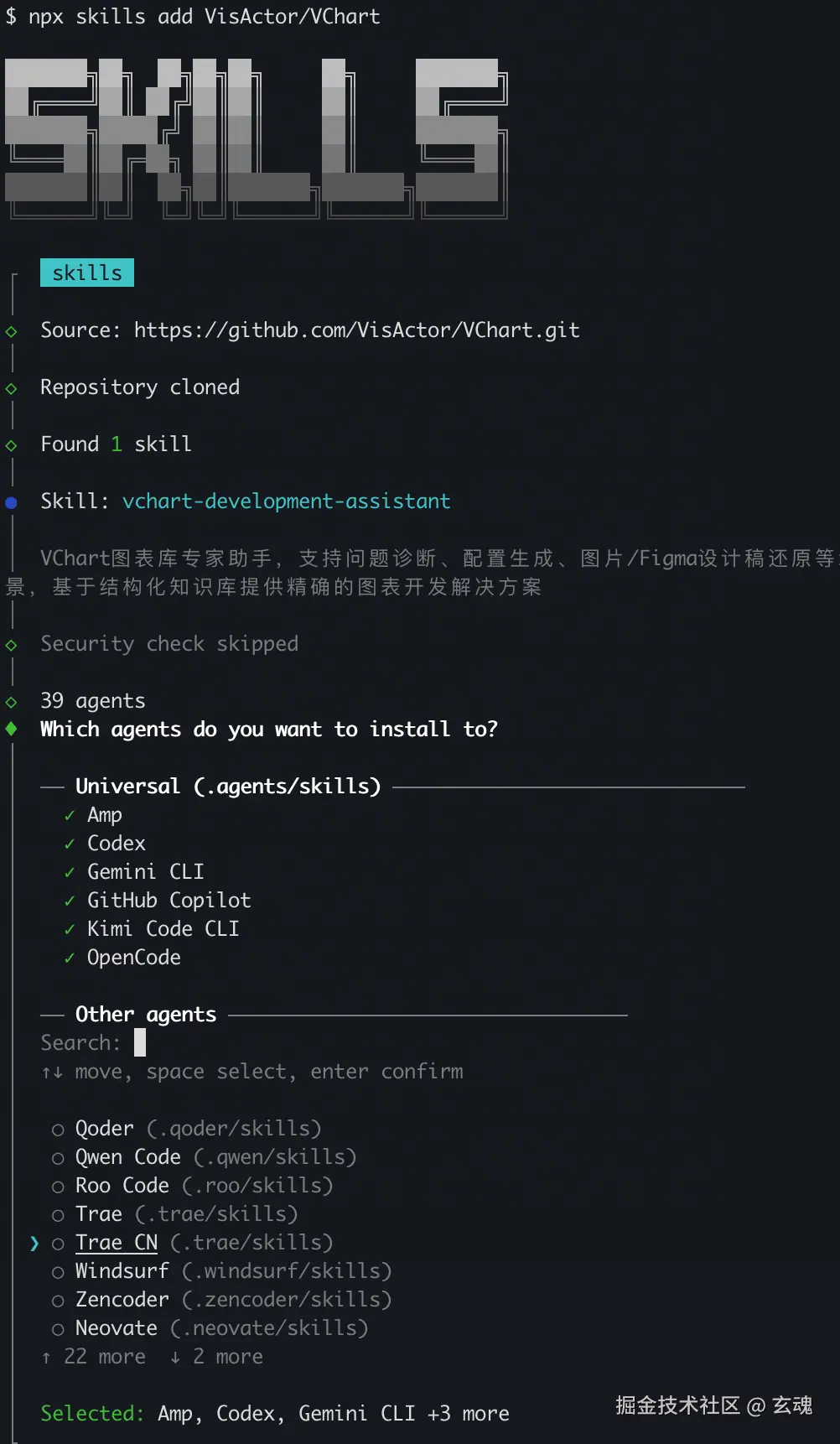
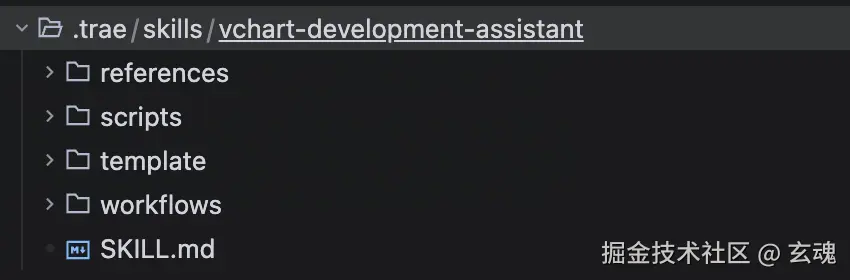
Make sure the skill is installed in your project editor skill directory.
If behavior differs by editor version, follow the latest official docs.