


Site Guide
This document is mainly to help you use the VStory site better and help you get the content you want on the site faster.
Quick Start
Getting Started
First, you need to complete the Getting Started section of VStory. It will teach you how to configure and use the environment required by VStory, as well as how to build your first data story.
Understanding Your First Chart
After you complete Getting Started, you can learn more about the composition of a DSL and the VisActor components it can use by studying the DSL Composition section.
Documentation
The VStory documentation provides detailed information about features and configurations. Depending on your needs, you can view the following sections:
- Tutorial: Introduces the basic concepts of VStory and various usage methods.
- Concepts: Provides the definition of VStory
DSLand an introduction to core classes. - Extension: Provides tutorials and guides for custom extensions.
In addition, to better use VStory, it is recommended that you also understand VChart, VTable, VRender.
Chart Examples
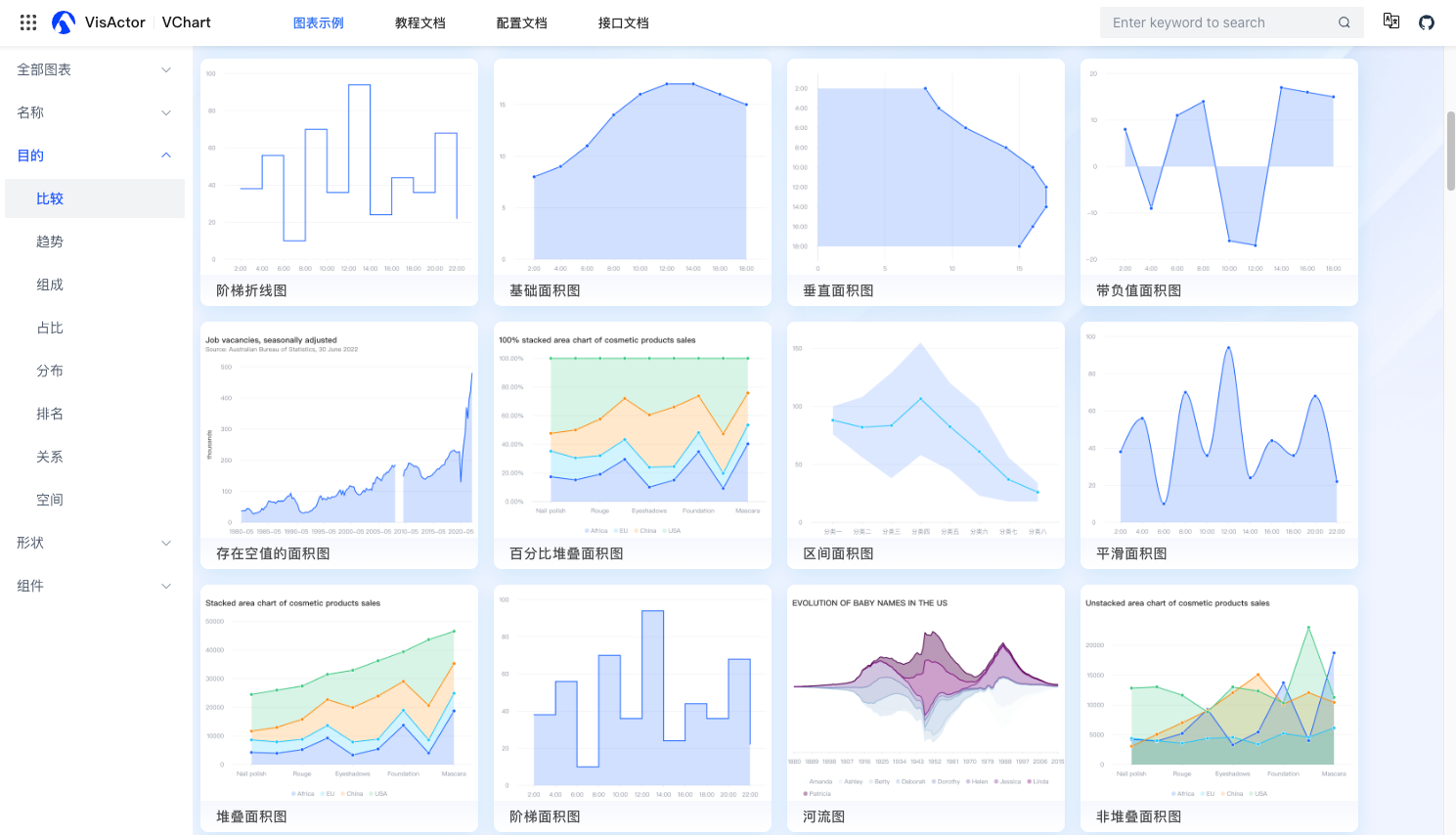
The Chart Examples page provides many practical application cases of VStory, from simple animations, to Characters, to orchestration, to templates. Each example provides detailed descriptions, key configuration information, and source code. You can also modify the example and view the effect through the online editor.
How to Use the Search Function
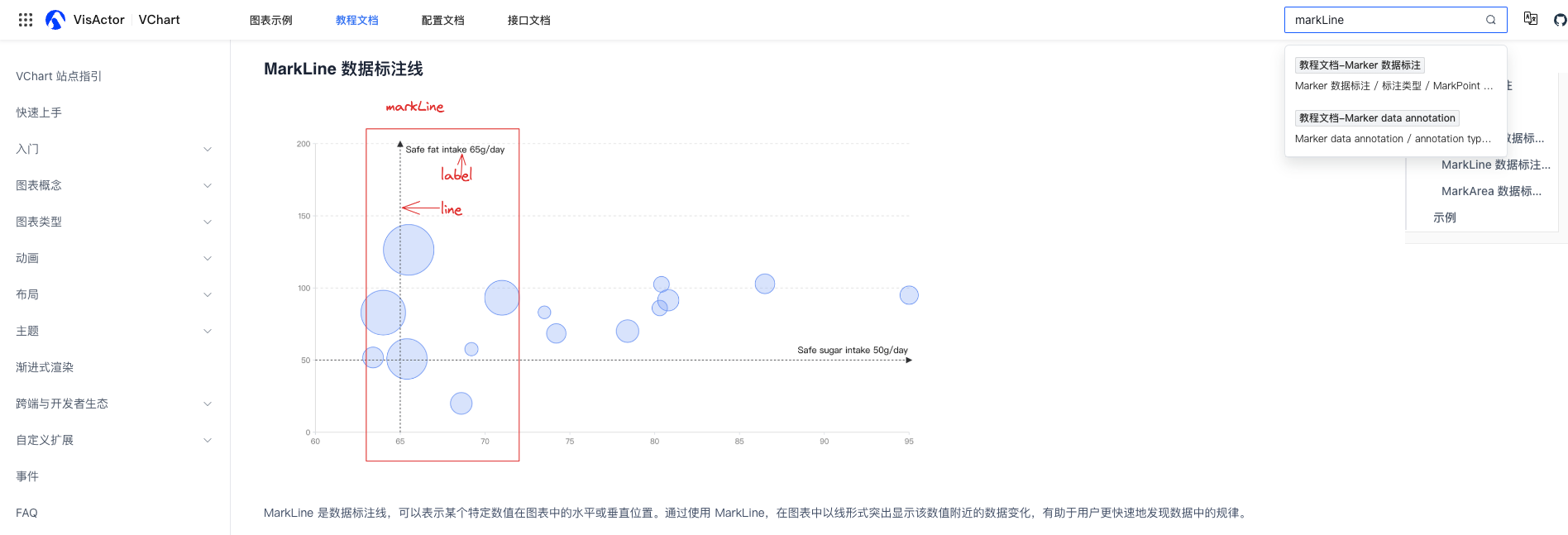
This site provides a powerful search function that allows you to quickly find relevant usage information. Click on the search box at the top of the site, enter keywords, and you will see matching results in the drop-down list. Select the appropriate result to view the relevant content.
How to Ask Questions & Suggestions
We are happy to help you! If you encounter problems while learning VStory, you can ask questions in the following ways:
- Submit an issue in the GitHub repository: Visit VStory GitHub, describe the problem you encountered in detail, and our team will respond and resolve it as soon as possible.
- Submit a discussion in the GitHub repository: Visit VStory Discussion, we welcome your ideas and suggestions here, and our team will respond and resolve them as soon as possible.
How to Correct Errors
If you find problems in the document examples, or think that some parts can be improved, please tell us. You can provide us with error correction information in the following ways:
- Submit a pull request in the GitHub repository: Correct the content and submit it, and a team member will review and merge it.
- Submit an issue: Point out the problems in the document, and team members will verify and correct them as soon as possible.
Thank you for your help! We will continue to improve the documentation and provide a better learning experience for all VStory users.