


Title
How to disable chart interaction
Description
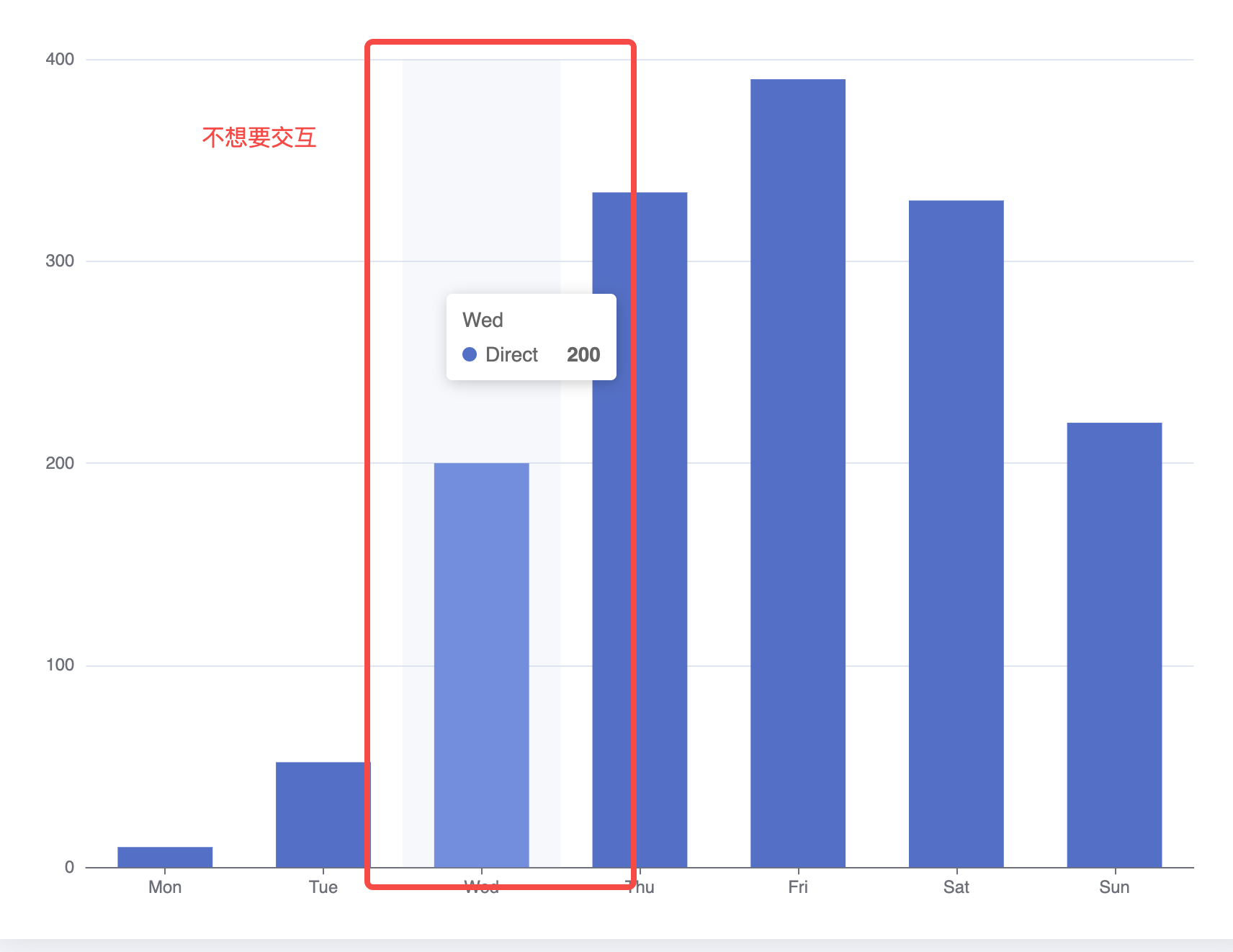
How can I disable the interaction events of the chart and just use it as an image when using the chart?
Solution
In VChart, you can directly pass in disableTriggerEvent: true to disable interaction.
Code Example
const spec = {*
*  type: 'bar',*
*  data: [*
*    {*
*      id: 'barData',*
*      values: [*
*        { month: 'Monday', sales: 22 },*
*        { month: 'Tuesday', sales: 13 },*
*        { month: 'Wednesday', sales: 25 },*
*        { month: 'Thursday', sales: 29 },*
*        { month: 'Friday', sales: 38 }*
*      ]*
*    }*
*  ],*
*  xField: 'month',*
*  yField: 'sales'*
*};*

*const vchart = new VChart(spec, { dom: CONTAINER_ID, disableTriggerEvent: true });*
*vchart.renderSync();*

*// Just for the convenience of console debugging, DO NOT COPY!*
*window['vchart'] = vchart;</br>
Result
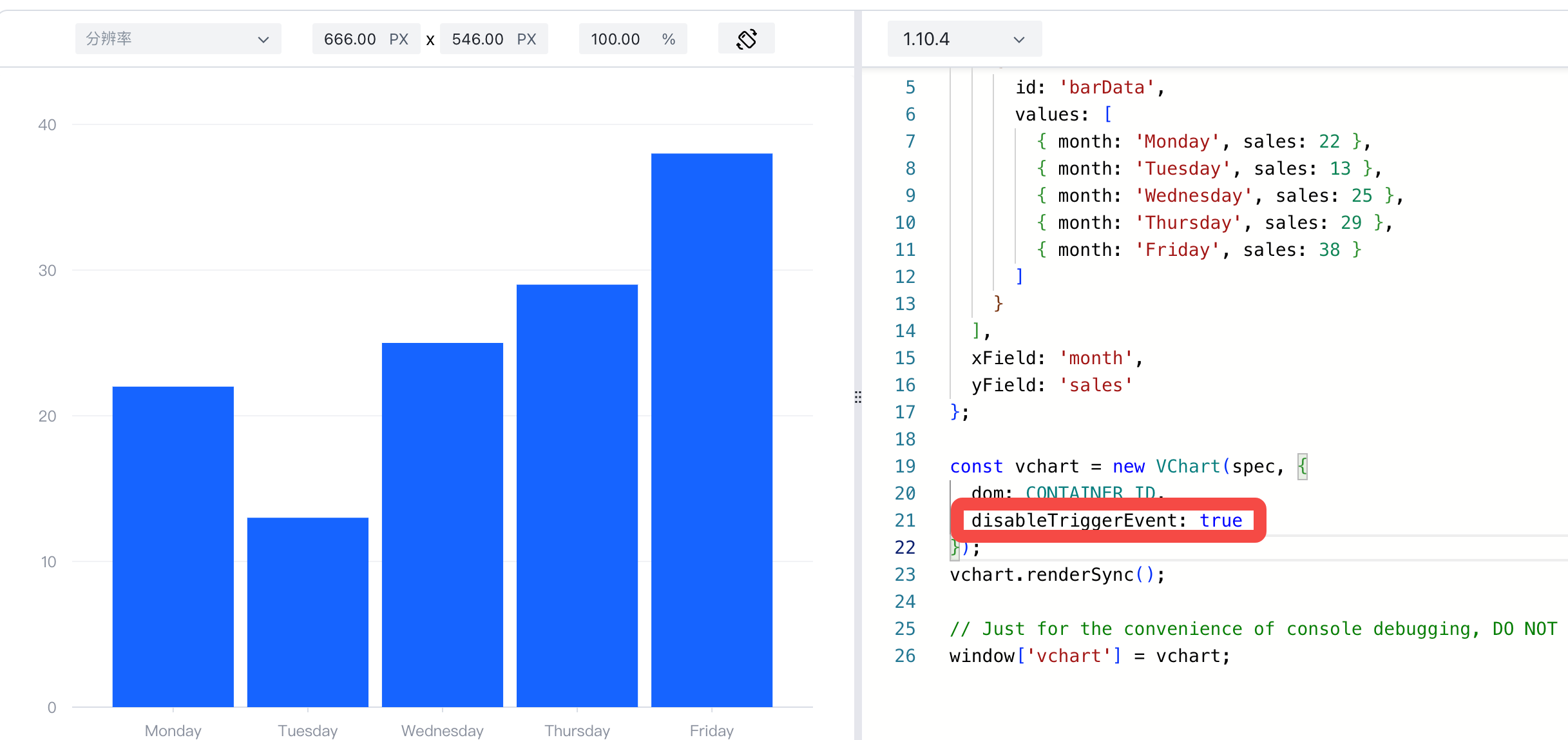
Demo: https://codesandbox.io/p/sandbox/vchart-disabletriggerevent-psxswy?file=%2Fsrc%2Findex.js%3A20%2C46
Related Documents
Demo:https://codesandbox.io/p/sandbox/vchart-disabletriggerevent-psxswy?file=%2Fsrc%2Findex.js%3A20%2C46
Tutorial:
- Initialize VChart: https://visactor.io/vchart/api/API/vchart
Github: https://github.com/VisActor/VChart/